
Here’s a fun fact: my mother experienced a phishing attack last year. And it wasn’t because she was irresponsible; it was because the bogus email sent from a bank appeared like an official bank message and therefore my mother typed the password without thinking. The reason for that is because passwords are indifferent towards intelligence: if you can get lured into entering your password, it’s already gone.
We can take this example to talk about the advantages of the passkey system over passwords. To do so, let’s take a closer look at the technology.
What’s a Password, Really?
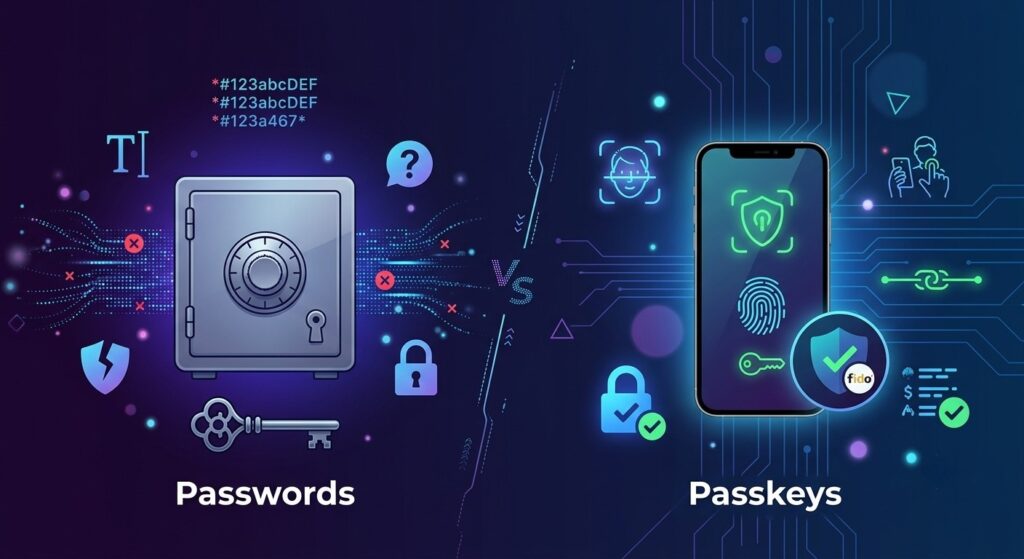
Passwords represent a common secret. You create a combination of characters and send it to a server that will have a copy. Each time you log in, you and the server will check if the same password is entered.
It seems easy enough. But, there are three inherent problems with the “common secret” concept:
- You have to store it (meaning that it will be reused in various places).
- You have to input it (meaning that it can be taken through phishing, keylogging, or shoulder surfing).
- The server has to keep it (which exposes it to data leaks).
Even a complex original password won’t eliminate all the problems. It solves only the first one.
What’s a Passkey, Then?
A passkey completely avoids the concept of “shared secrets.” Instead, your device uses a pair of keys that are mathematically related: one private key (which never exits your phone or laptop) and one public key (which is stored on the server of the website).
When you need to sign in, the website generates a challenge for your device. Your device will sign it using your private key on the condition that you first unlock your phone with Face ID, a fingerprint, or a pin code. The website will then verify the signature using your public key.
Everything happens without anyone typing in anything at all. No information is transmitted that can be compromised by a hacker. There is no password stored in a database that can be disclosed to the hacker during a security breach.
Passkeys vs. Passwords: The Real Differences
| Passwords | Passkeys | |
| Can be phished | Yes | No |
| Can be reused across sites | Yes (often, dangerously) | No — unique per site by design |
| Vulnerable to data breaches | Yes | No (private key never leaves device) |
| Needs to be remembered | Yes | No |
| Works across all devices | Yes | Mostly — recovery depends on ecosystem sync |
Why Passkeys Are the Best in Terms of Security
They don’t have a chance to be phished. A fake login page may ask you for a password all it wants — however, it cannot perform the cryptographic handshake required by a passkey. Therefore, there’s nothing to steal.
They can never be reused. Each passkey is linked to a specific website. Even if someone has got hold of your passkey for one particular site, it has no value for any site.
They can’t be compromised during hacking. When a company is hacked, intruders target password databases. However, there are no equivalents in the case of passkeys — the server only stores a public key, which is of no use without your private key.
They can’t be guessed. No dictionary attacks, “password123” or any brute-force guessing. Passkeys are being created randomly and are so long that it’s impossible to guess.
Where Passwords Are Still in Use
To tell the truth, passwords have not gone away yet, and passkeys are not perfect either.
- Recovery becomes complex. If you lose all your devices with a passkey, you will probably have to recover your account using email just like someone with a password.
- Not all websites offer them yet. The use of passkeys is increasing, but many small websites and online services continue to use passwords.
- Ecosystems create a barrier. All providers (Google, Microsoft, and Apple) implement passkeys differently, making it difficult to transfer data from one ecosystem to another.
- Using shared accounts may get uncomfortable. Remember Netflix? It is easy to give your password to a friend, yet passkeys are designed to be used on a specific device.
So… Which Should You Actually Use?
It is quite simple: if a website offers passkeys, go for them. The further superior option in case of non-availability of passkeys would be to use a password manager with strong unique passwords and two-factor authentication.
With respect to this, it is more about transition from passwords to passkeys rather than a comparison between the two. We are not at the finale yet; however, every major platform like Apple, Google and Microsoft, as well as massive websites is heading towards a passkey-only future.
A Quick Assessment of Your Gut
Consider the following questions:
- Is there the possibility of entering using passkeys on the site? – If yes, do it.
- Is it just passwords? – Then generate a strong and unique password with the help of a password manager and enable 2-factor authentication.
- Is it an important account for you (banking account, email account, work email, etc.)—In this case, passkey should be enabled.
Conclusion
Passwords were never intended for the current internet in which phishing software is sold_online. Passkeys were developed specifically for this reason: they involve no typing, phishing or disclosure.
They are not wholly successful and passwords will not disappear today. But when it comes to their safety, it is clear which is the safer option.
Would you like outdated passwords to be forgotten once and for all? Read our [Password Manager Setup Guide] to move forward or see [How to Enable Passkeys on Your Accounts] for detailed instructions.