
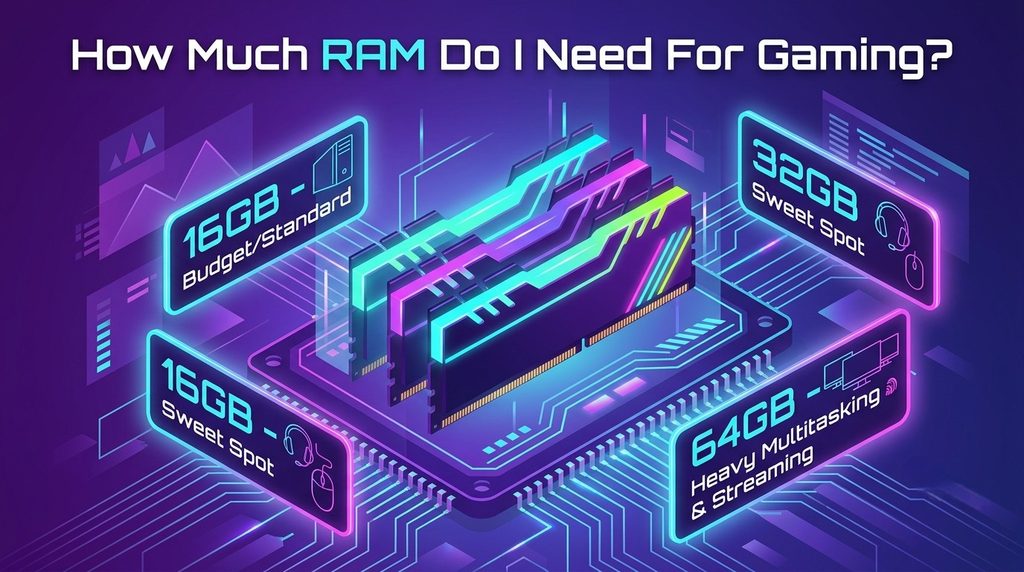
At last, you manage to gather funds for a gaming PC, but then you face another difficult query: how much RAM is sufficient? If you choose not enough RAM, you face problems with playing games; if there is too much RAM, you have wasted money on something that could have gone into purchasing a better GPU.
What RAM Actually Does in a Gaming PC
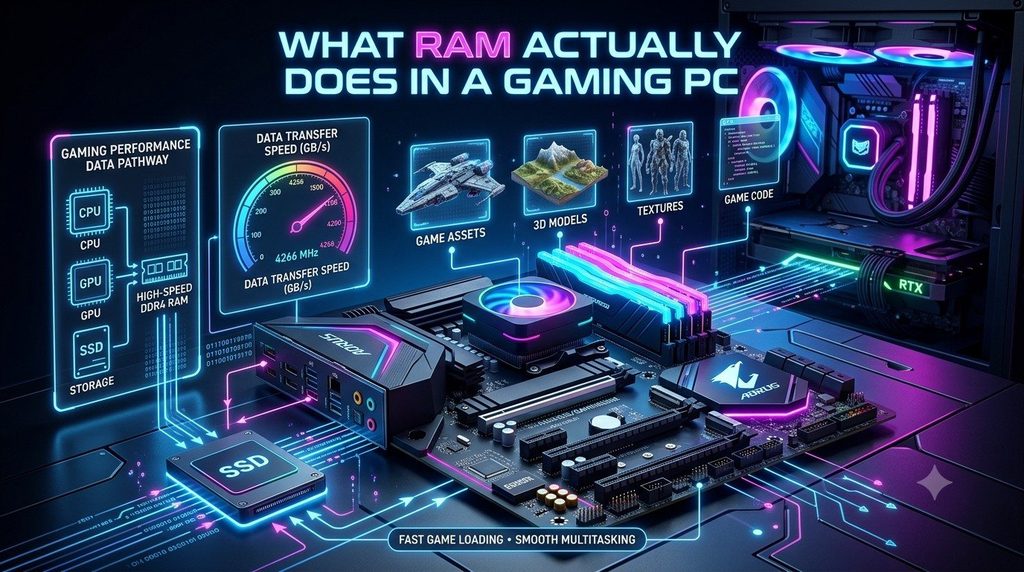
You can compare RAM to your working area and storage drive to your filing drawer. The larger the desk, the more items can be accommodated simultaneously. An increase in RAM means you can run multiple programs at the same time: the game you are playing, the OS, the Discord, and a lot of tabs in your browser.
Once the desk is full, the system begins to transfer information back into the storage (including SSD), which is not as fast.
8GB, 16GB, 32GB, 64GB: What Each Gets You
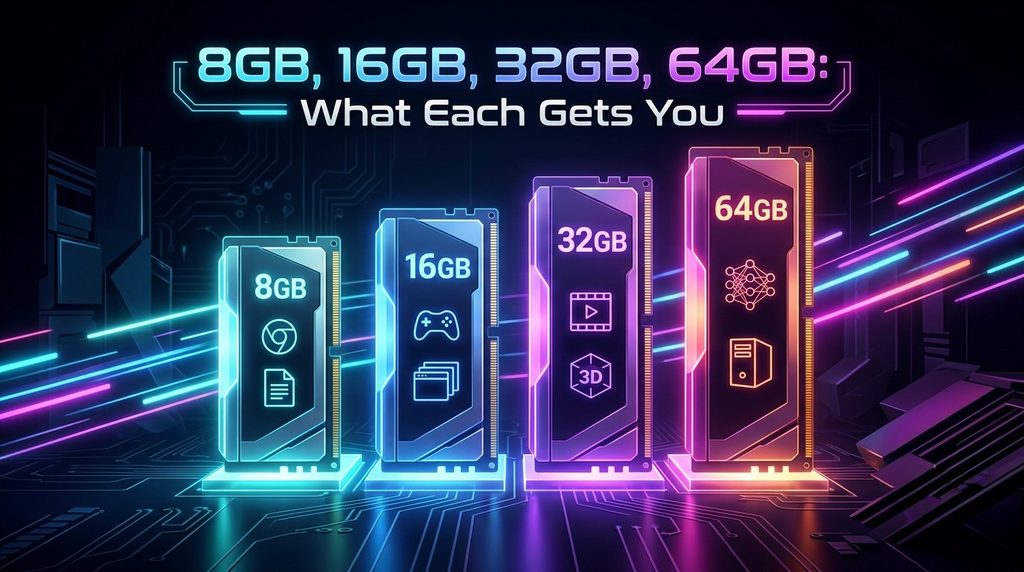
8GB
Don’t bother. Micro Center has a straightforward recommendation that you should already know that 8GB of RAM is insufficient for gaming. It might work for older or less demanding games, but you will have to fight with your PC all the time.
16GB
This is a good starting point for most gaming computers. It can handle most top games without breaking a sweat. However, Windows can swallow up to 14-16GB, which means that your computer will have to resort to a slow SSD for additional memory.
This is an excellent choice if your budget is tight, you only play some esports games, and you plan to upgrade in the future.
32GB
The perfect amount of RAM when it comes to playing modern games. This amount allows playing most open-world games and using mods. Most likely, it will still be fine for the next few years.
Some games already require such amount of RAM. For instance, Star Citizen and Microsoft Flight Simulator 2024 suggest having 32 GB at least.
64GB
You only need this amount if you are into heavy video editing or need powerful software for design work and intensive simulations.
Does More RAM Mean More FPS?
Not quite, and many find this to be surprising. In most games, the FPS difference between 16GB and 32GB is less than 5% on average.
What matters, however, is how smooth the whole experience actually feels. In the tested scenarios, the 1% lows (the worst dips) on 16GB can indicate performance that is 30 to 65% worse. This may lead to either having “a smooth experience” or asking “why did it just freeze?” in case of performance drops.
In summary, having 32GB memory won’t make your gaming faster. It will only prevent it from being much slower at some critical moment.
Don’t Forget RAM Speed and VRAM
Two misconceptions that people make:
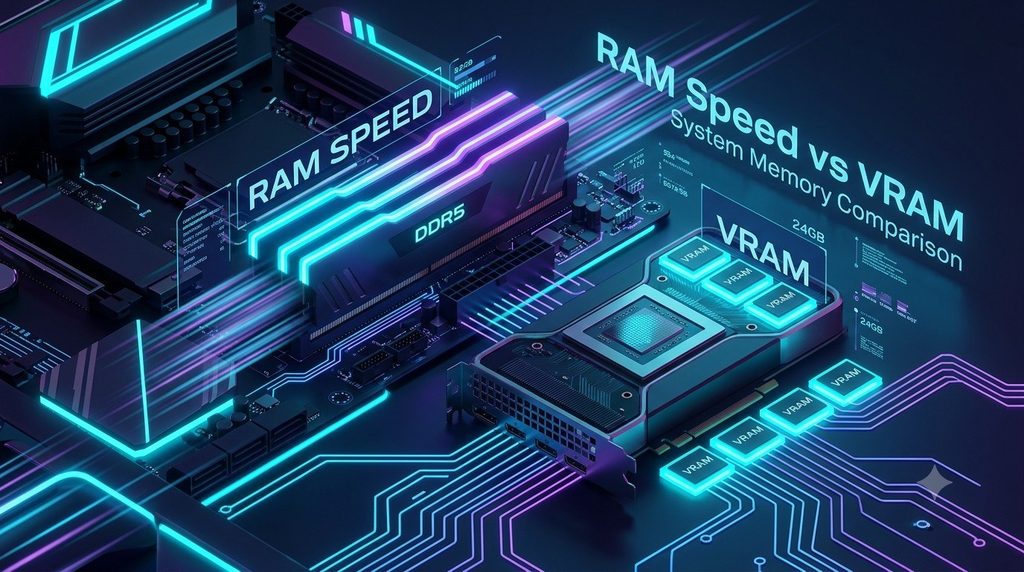
- Speed is not as important to performance as capacity. Going from DDR4-3600 to DDR5-6000 will only achieve a 3-5% increase in average FPS. Therefore, you should first make sure that you get enough RAM.
- The amount of VRAM changes the situation. Tests run on a card with lots of VRAM have shown that a VRAM capacity of 16GB is enough for normal gaming. However, on a card with little VRAM, getting a RAM capacity of 32GB is a smart decision, especially for open world games or games that use a lot of assets. If your GPU has little VRAM, the system RAM will be able to help make up for that.
How to Check How Much RAM You’re Using
Find out what your PC really needs before spending anything:
- Look at your Installed RAM under Settings > System > About.
- To do this open up Task Manager can either search for it in or press Ctrl + Shift + Esc and select the Performance tab.
- Play games normally with your normal background applications open.
- That’s when you really need to upgrade if memory is hanging around at 90% or more.
So, What Should You Buy?
Here’s the simple version:
- Tight budget (under $700 total): 16GB now, upgrade later Invest your capital in the GPU first.
- Most gamers: 32GB (2x16GB). This is the one to buy.
- Streamers, creators, modders: 32GB at a minimum and 64GB if you do any video editing.
Just one honest caveat: RAM prices got a big spike in late 2026 as consumer memory capacity was soaked up by AI servers. Prices move quickly as always so be sure to check for current listings before you dive in. If you shop around and it turns out that 32GB costs many times more than 16GB, buying 16GB now and then adding later is an entirely decent plan. Studied and taken care of wins over wild.
FAQs
Is 16GB of RAM enough for gaming?
Yes, for the majority of games at high settings. Meanwhile, in gaming (without any background apps), 16 GB vs 32GB performs almost the same way. Where it begins to labor is when you run additional applications in conjunction or play memory-gulping open-world titles.
Do I need 64GB of RAM for gaming?
No. 64GB is too much for gaming only. That applies to video editing, 3D rendering and heavy simulations—but the stuff most users do in gaming.
Does more RAM increase FPS?
Usually not by much. The advantage of more RAM comes not from raising your average frame rate, but rather in preventing stuttering and frame drops once your memory fills up. Fps is much more heavily influenced by your graphics card and CPU.
What’s the difference between RAM and VRAM?
RAM acts as your general memory and VRAM is memory specifically designed to contain textures and images; it comes built into the graphics card. They play nicely together, and a lesser graphics card with restrained VRAM makes 32GB system RAM a safer option.
Should I buy RAM now or wait because of high prices?
RAM pricesMainboardsBuy this mainboardAvailable since 2026Note: prices stable; Check current listings before buying. When 32GB is far more than 16GB, it makes sense to buy 16GB now and upgrade sometime in the future. Those premium prices are because AI servers hogging consumer memory.